← Back to Blog

Launch Monitor Buyer Checklist 2026 (Free Download for Home Golf Setups)

Free launch monitor buyer checklist. Compare accuracy, spin reliability, space fit, software costs, and total setup price before you spend $500–$5,000.

If you're shopping launch monitors, here's the blunt truth:

Most golfers don't buy the wrong monitor — they buy the wrong setup.

They budget for the device and forget software. Or they buy great hardware and realize their garage ceiling kills driver practice. Or they chase tour-level specs when all they actually need is consistent carry distance and a way to practice after work.

So here's a clean, practical checklist you can run before spending anything.

Free Launch Monitor Buyer Checklist

Copy this into Notes, check each box, and don't buy until you can answer every line.

1) Space + Setup Fit

  • I measured my hitting area (width, depth, and ceiling height) with driver in hand.
  • I confirmed whether my setup is indoor-only, outdoor-only, or hybrid.
  • I know where the unit sits (behind ball, beside ball, or overhead) and that my space supports it.
  • I accounted for net/screen and safe ball return spacing.

2) Data That Actually Matters for My Game

  • I know my "must-have" metrics (carry, ball speed, launch angle, spin, dispersion).
  • I know my "nice-to-have" metrics (club path, face angle, dynamic loft, attack angle).
  • I prioritized consistency and repeatability over feature overload.

3) Real Budget (Not Marketing Budget)

  • I calculated total first-year cost: monitor + mat + net/screen + software + accessories.
  • I checked yearly software/subscription cost before purchase.
  • I set a max spend and identified my best value option under that cap.

💡 Budget under $5,000? Don't miss our constantly updated Budget Sim Watch for the best deals and top recommendations on affordable launch monitors and simulator setups.

4) Accuracy + Reliability Reality Check

  • I reviewed independent user feedback for indoor spin reliability.
  • I verified known weak points (short chips, wedges, metallic-dot ball requirements, etc.).
  • I understand what accuracy level I actually need for my handicap and goals.

5) Practice Workflow (This Is Where ROI Comes From)

  • I can run a 20-minute weekday practice session without setup friction.
  • I have a default practice plan (gapping, face/path work, wedge distance ladder).
  • I chose a setup I'll actually use 2-4 times per week.

6) Buying Decision Lock-In

  • I compared my top 2 options side-by-side (not 10 options endlessly).
  • I picked one based on fit + consistency + total cost, not hype.
  • I set a buy date and stop date for research to avoid analysis paralysis.

Quick Decision Framework (60 seconds)

If you're still stuck, use this:

  • Budget-first, casual sim use: choose the best reliable entry option and start practicing now.
  • Indoor-first, data-sensitive buyer: favor units known for stronger indoor spin consistency.
  • Serious year-round practice: prioritize total workflow and repeatability over fancy extras.

Perfection is not the goal. Usable, repeatable practice is the goal.


Where to Compare Before You Buy

updatedAt: "2026-03-15"

If you want this checklist plus weekly gear updates and value picks, drop your email below.

We'll send practical golf buying intel, not fluff.

Quick Comparison

Best Launch Monitor Paths Right Now

If you want useful data without overpaying, start with these three options.

Best Value

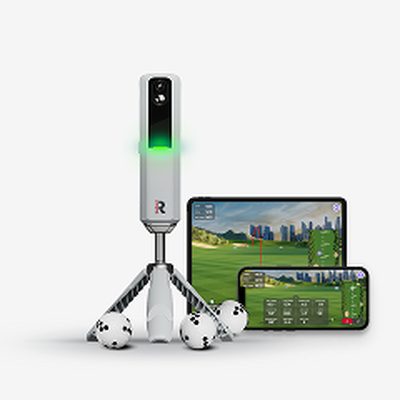
Rapsodo MLM2PRO

Serious data + app ecosystem at a mid-tier price.

Pros

  • Strong feature set
  • Great for home practice

Cons

  • Subscription for full features
  • Indoor setup needs care
Check Live Price

Most Complete

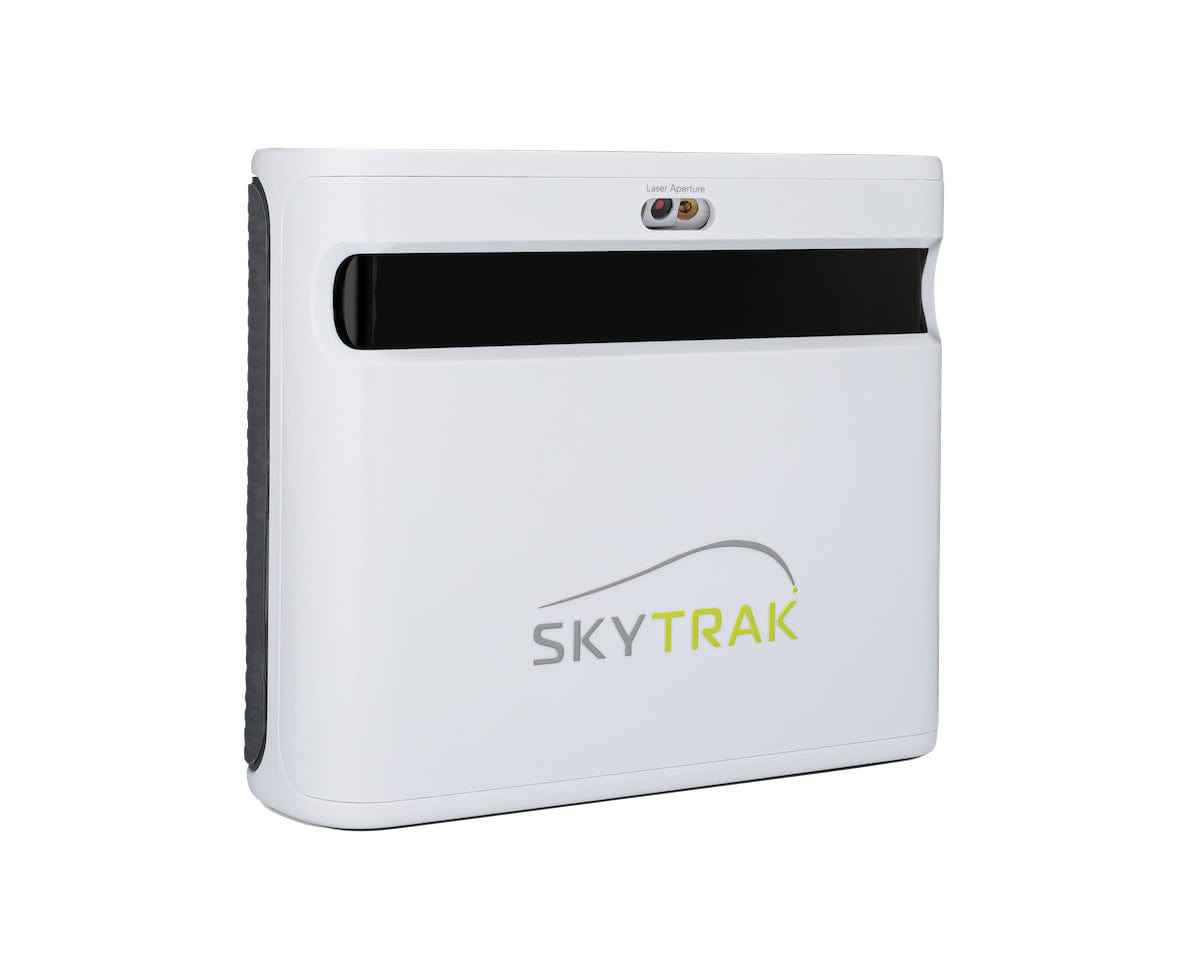
SkyTrak+

Deeper sim features and reliable indoor usage.

Pros

  • Sim-ready
  • Trusted accuracy

Cons

  • Higher total cost
  • Best with paid software
Check Live Price

Premium Pick

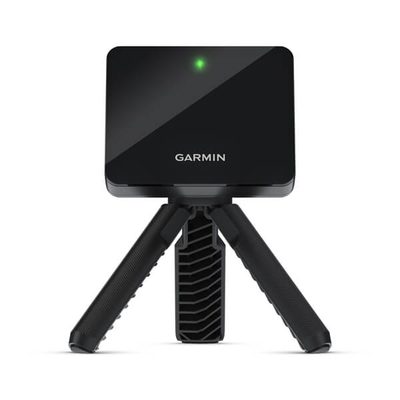
Garmin R10 / Bushnell LPi

Pick based on portability vs fixed sim use.

Pros

  • Portable options available
  • Good ecosystem support

Cons

  • Can get expensive fast
  • Model fit matters
Check Live Price

We may earn a commission from links on this page. Disclosure

Frequently Asked Questions

What should I check before buying a launch monitor?

Confirm your space dimensions, accuracy needs, annual software costs, and whether the monitor works better indoors or outdoors. Then compare total setup cost (monitor + net/screen + mat + software), not just the device price.

Is a $600 launch monitor good enough?

For most weekend golfers, yes. A solid budget monitor can improve distance gapping and practice quality fast. Higher-end units mainly add tighter spin consistency, better club data, and smoother simulator experience.

What is the biggest launch monitor buying mistake?

Underestimating the full setup cost and space requirements. Many buyers budget only for the monitor and then discover they still need a quality mat, net or screen, software subscription, and enough ceiling height for driver swings.

Should I choose radar or camera launch monitors?

Radar units are flexible and portable, while camera-based units often provide stronger indoor spin consistency in short spaces. Your room dimensions and use case (indoor-only vs mixed indoor/outdoor) should decide the choice.

Join the conversation

No comments yet

Newsletter

Free: 2026 Launch Monitor Buyer Checklist

Get the exact checklist we use to pick launch monitors by budget, indoor accuracy, software fees, and total setup cost.

Free, every Thursday. Unsubscribe anytime.